


We use cookies to improve your online experiences. To learn more and choose your cookies options, please refer to our cookie policy.

February 05, 2026
The Importance of Technology in Elementary Education
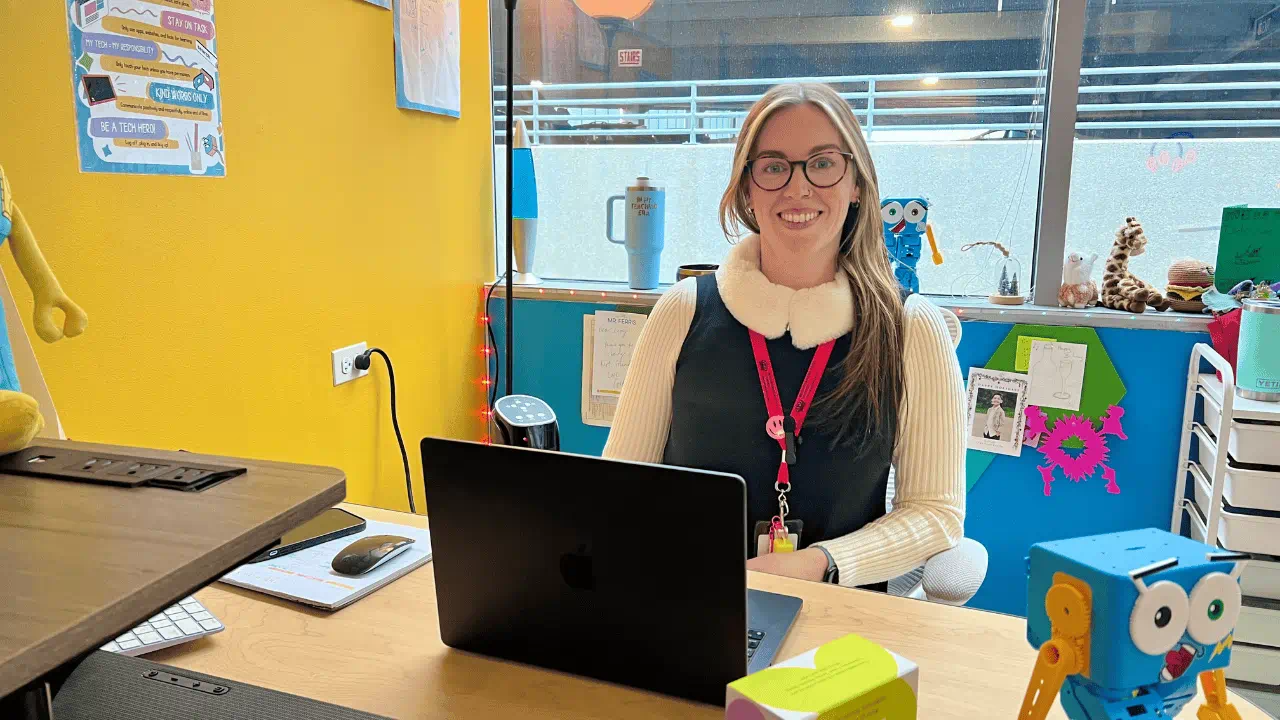
In today’s world, technology is no longer an “extra” skill - it is a core part of how children learn, create, and communicate. At BISC-LP, our goal is not simply to teach students how to use a device, but to help them understand technology as a tool for thinking, problem-solving, creativity, and collaboration.
As the Technology and STEAM teacher at BISC-LP, I work with students across a wide range of developmental stages. My role is to introduce technology in ways that are age-appropriate, purposeful, and meaningful, while building a strong foundation and interest for future learning.
.png?rev=7627d459d2be450c81f8fae563af5255&hash=912A3BDE48DC4DF28109DBE7BDFF9994)
Technology as a Tool for Thinking
One of the biggest misconceptions about technology in school is that it means more screen time. In reality, high-quality technology education often looks very different from children passively using devices.
In our technology classes, students engage in:
- Digital and creative media, such as storytelling, animation, design, and multimedia projects
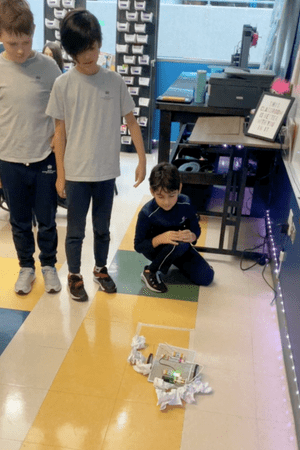
- Physical computing, where students program and interact with real-world objects like robots, sensors, and motors
- Coding and computational thinking, learning how to break problems into steps, test ideas, and debug when things don’t work
These experiences encourage active learning, creativity, and hands-on exploration - often involving teamwork, discussion, and movement.
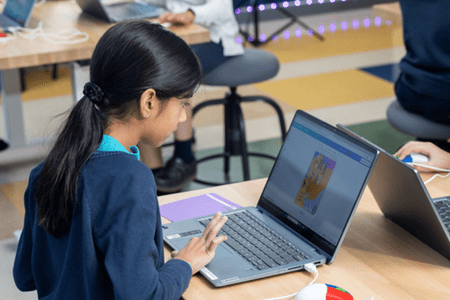
What’s Happening in Tech Class?
Technology instruction at BISC-LP is carefully scaffolded. What a Year 1 student does with technology looks very different from a Year 6 student - and that’s intentional.
Year 1 and 2
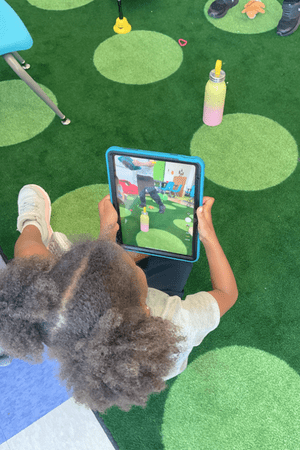
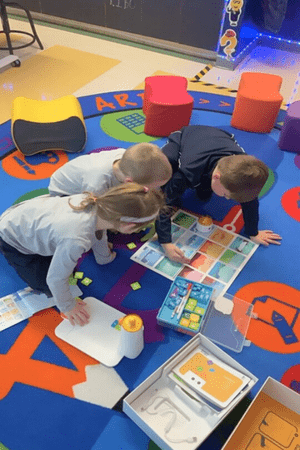
Our youngest learners are introduced to technology through play-based exploration and guided discovery. Students learn how to:
- Sequence steps and give simple instructions
- Explore cause and effect using age-appropriate robots and tools
- Create digital stories, drawings, and multimedia projects
- Design small models through play (engineering)
- Practice foundational digital citizenship skills
At this stage, the focus is on curiosity, confidence, and learning that technology responds to their ideas.
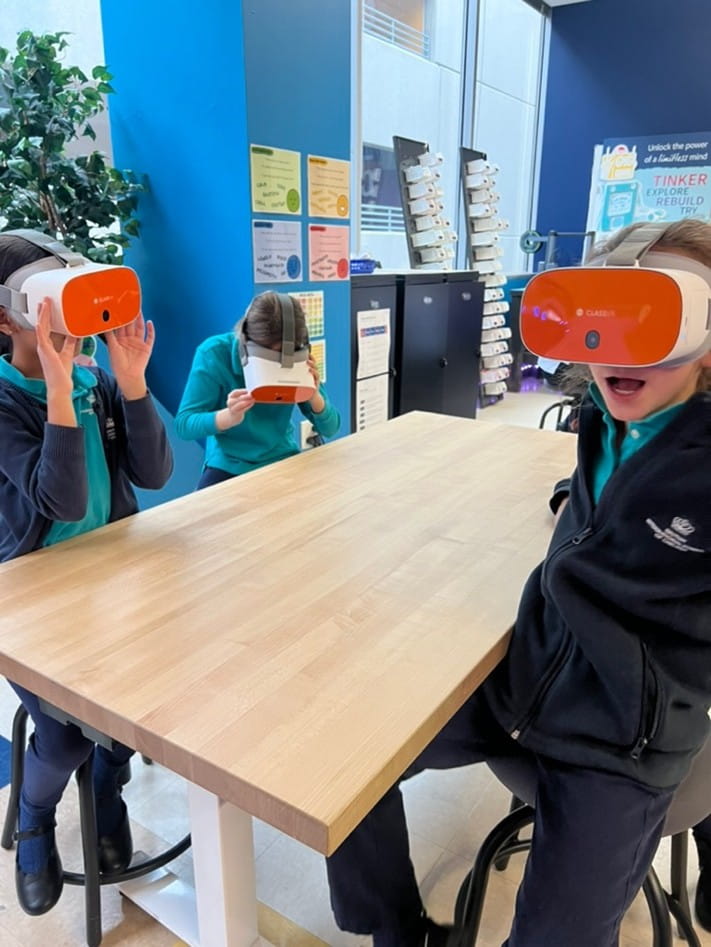
Year 3 and 4
Students begin to think more intentionally about how technology works. They learn how to:
- Create interactive stories, animations, designs and games
- Use block-based coding to solve problems and test ideas
- Work with physical computing tools such as robots and simple sensors
- Collaborate with peers to design, build, and improve projects
Students learn that mistakes are part of the process and the perseverance leads to improvement.
Year 5 and 6
Older students take on more complex challenges and longer-term projects. Students learn how to:
- Design and code programs using structured logic and algorithms
- Create digital media projects with a clear purpose and audience
- Work with physical computing systems that combine coding with real-world movement
- Plan, test, debug, and reflect on their learning
These experiences help students develop independence, critical thinking, and confidence in tackling open-ended problems.
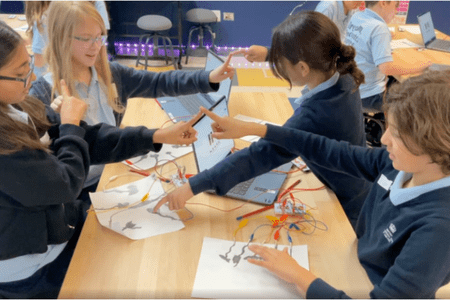
Across all year groups, technology learning is intentionally connected to creativity, communication, and problem-solving. Students are encouraged to ask questions, share ideas, and take pride in the learning process - not just the final product.
Preparing Students for a Digital Future
While not every student will grow up to be a programmer or engineer, every student will grow up in a world shaped by technology. Learning how technology works empowers students to be informed users and creators, rather than passive consumers.
Technology education supports:
- Critical thinking and logical reasoning
- Creativity and innovation
- Collaboration and communication
- Adaptability and confidence when learning new tools
These skills are transferable far beyond the technology classroom and support learning across all subject areas.
Supporting Digital Citizens
Equally important is teaching students how to use technology responsibly and ethically. We talk about digital citizenship, online safety, and respectful communication from an early age. Technology becomes part of a balanced learning environment - one that values curiosity, kindness, and thoughtful decision-making.
Helping Students Become Creators, Not Just Consumers
Parents and caregivers play an important role in supporting healthy technology habits. When school and home work together, children benefit from consistent messages about balance, creativity, and responsible use. I encourage families to ask students about what they are building, creating, or solving in technology class - it often leads to great conversations. Scan the QR codes below to access helpful resources you can use at home to extend and support your child’s technology learning beyond the classroom.
.png?h=300&w=450&rev=197c118df5294fb6a25657cee46ec1dd&hash=CBFE974028A33637793FA3DDD9E318C4)
Technology in elementary education is not about rushing children into the future. It’s about giving them the tools, mindset, and confidence to explore it thoughtfully. I’m proud to support our students as they learn to create, question, and innovate - one project at a time. From digital citizenship to problem‑solving, learn how we help students grow as creators, thinkers, and collaborators. Learn more about life at BISC‑LP!
Casey Lavin
Technology Teacher - STEAM Specialist
Related news
News image ![Year 3 Leader, Carla Williamson]() Blog | Featured | Global Education
Blog | Featured | Global Education
 Blog | Featured | Global Education
 The Importance of Self-Regulation in Children: A Foundation for Learning and Wellbeing
Discover how co-regulation, emotional awareness, and practical strategies support children in managing emotions and building resilience at BISC Lincoln Park.
News image ![Lowri Covello]() Blog | Featured
Blog | Featured
 Blog | Featured
 Meet the BISC-LP Student Community Directors: How BISC-LP Supports Student Wellbeing, Safety and Belonging
Meet the Student Community Directors at British International School of Chicago, Lincoln Park and learn how they support student wellbeing, positive behavior, safeguarding, and belonging across our school community.
News image ![Our Restorative Approach at BISC-LP - Our Restorative Approach at BISC-LP]() Blog | Featured
Blog | Featured
 Blog | Featured
 Building Character Through Connection: Our Restorative Approach at BISC-LP
Discover how BISC-LP's restorative approach to behavior helps students build character, strengthen relationships, and develop emotional intelligence through respect, connection, accountability, and restorative practices.
News image ![Make the most of Summer in Chicago - Summer Fun and Learning]() Blog | Featured
Blog | Featured
 Blog | Featured
 Summer Fun & Learning: Make the most of Summer in Chicago
In our latest teacher blog, Pre-Nursery Assistant Directors Alex Duryea and Caitlin Stevens explore Chicago’s top summer destinations while supporting your child’s growth through play, discovery, and hands-on learning.


